Camera modes explained · PDF guide
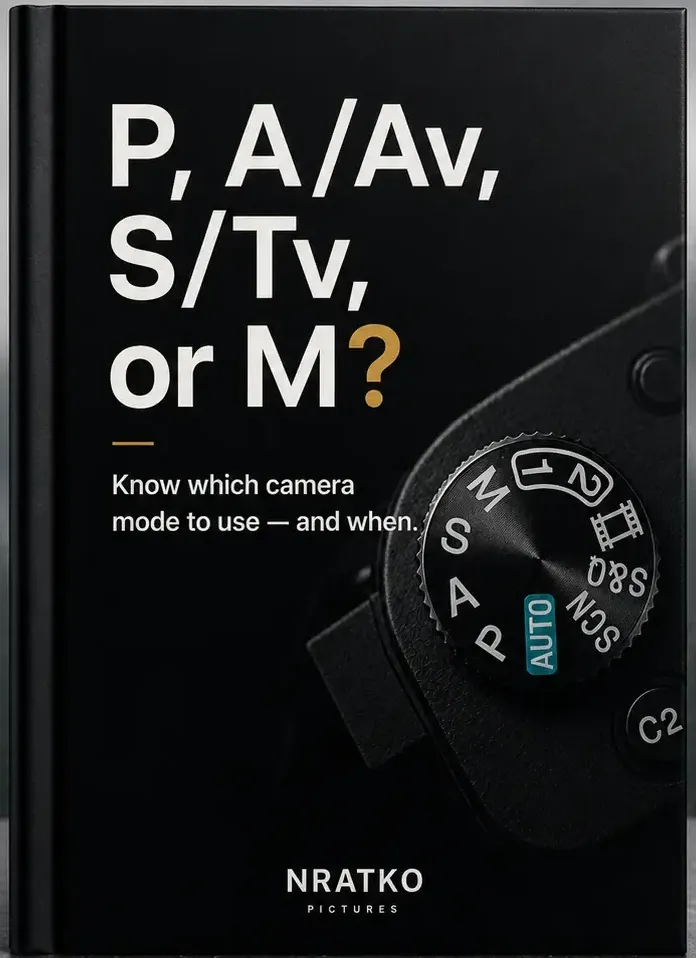
P, A, S or M? Know exactly when to use each camera mode.
Do you stay in Auto because you’re not sure when P, A, S or M fits? This PDF guide gives you a simple decision system for your shooting situation.
- 20 pages
- Instant PDF download
- One-time payment: $14
Sound familiar?
You want out of Auto, but you don’t want to guess.
- You’re standing at the mode dial, not sure whether P, A, S or M fits right now.
- You stay in Auto because you don’t want to miss the shot with the wrong settings.
- You get surprises instead of control: background too sharp, motion blurred, photo too bright or too dark.
- You’ve heard that M is the “right” mode, and you’re not sure that’s true.
The guide replaces guessing with a simple decision system: which situation, which mode, and why.
Why the mode matters
Three situations. Three decisions.
The mode you choose decides which setting you control. Here’s how that shows up in the picture:

A / Av: A portrait with a soft background
With aperture priority you set the aperture. A wide opening (small f-number) softens the background and keeps attention on the face.
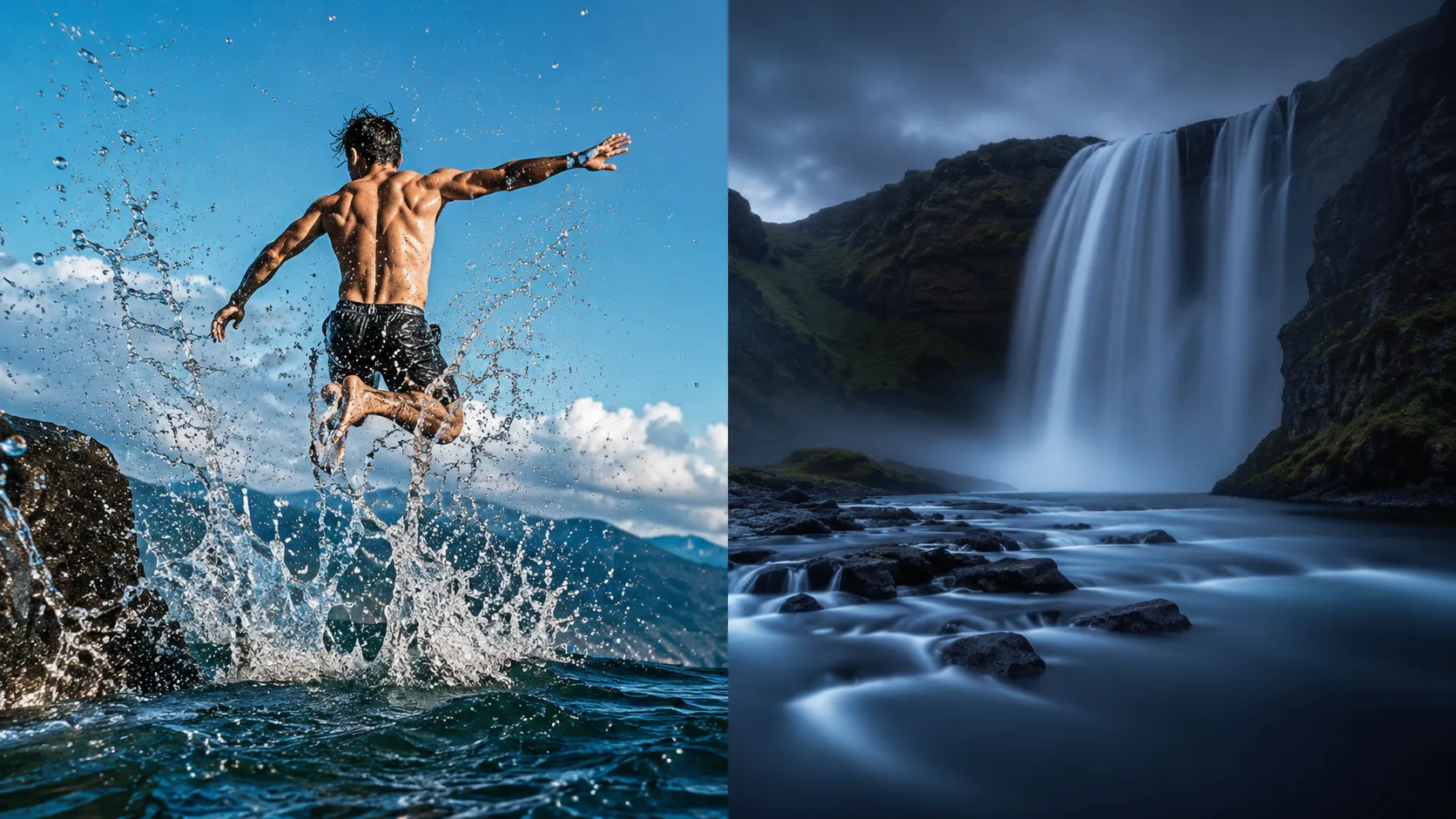
S / Tv: Freeze motion or let it flow
With shutter priority you set the shutter speed. A short time freezes motion (left); a long one lets water flow softly (right).
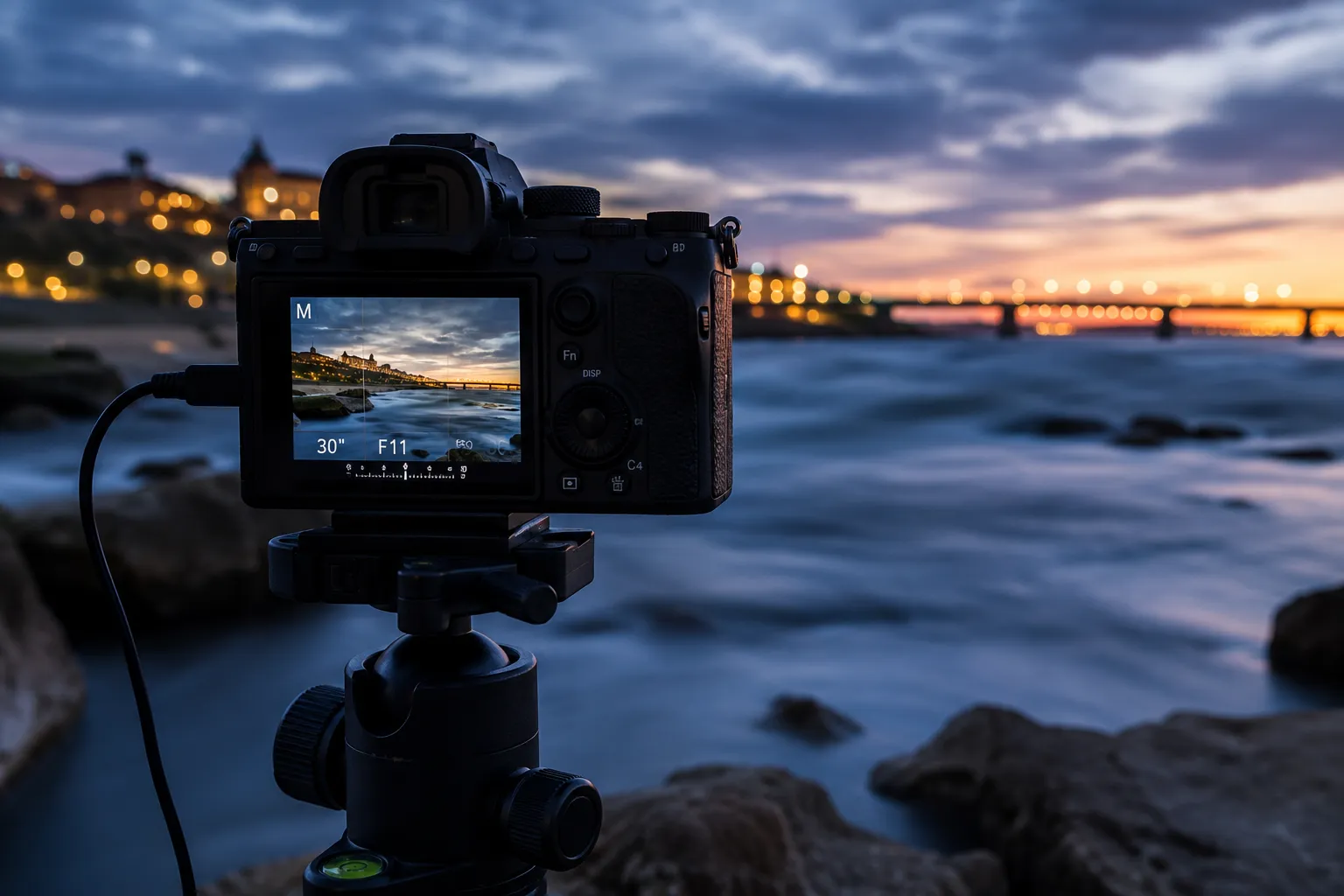
M: Same light, same exposure
In manual mode you set aperture and shutter speed yourself. It pays off when light and situation stay the same and you want several shots exposed alike.
Example images for illustration. In the guide you learn to choose the right mode in situations like these.
A first look
One situation. One decision.
Not a rigid rule, just a starting point: which setting matters most in which situation?
P – Program mode
The camera chooses aperture and shutter speed. You focus on your subject and the moment.
Example situation: A spontaneous scene that changes in seconds, like a child who suddenly runs off.
A / Av – Aperture priority
You choose the aperture and the camera adjusts the shutter speed. That’s how you control how much of the picture is sharp. (Av on Canon, A on Nikon and Sony.)
Example situation: A friend at a street café: you want a calm background and attention on the face.
S / Tv – Shutter priority
You choose the shutter speed and the camera picks a suitable aperture. That’s how you decide how motion looks. (Tv on Canon, S on Nikon and Sony.)
Example situation: A cyclist: frozen sharp, or deliberately blurred to show motion.
M – Manual mode
You set aperture and shutter speed yourself. Useful when light and situation stay the same, or when you want to set the exposure yourself.
Example situation: A subject in constant light that you want to expose the same way, shot after shot.
M isn’t a goal in itself. What matters is which mode gives you the most useful control in the situation.
Look inside
Take a look before you decide.
Here’s how the guide explains: one original page on Aperture Priority. Tap or click it to enlarge.
A / Av Mode – When Sharpness and Blur Matter
- how aperture decides how much of the picture is sharp
- an everyday example and an image comparison
- a “Remember this” box with the key takeaway
Like how it explains things?Get the guide – $14
What’s inside the guide
- When each camera mode makes sense: P, A/Av, S/Tv and M.
- Concrete shooting situations, and why a mode fits each one.
- Clear explanations with image comparisons and “Remember this” boxes, like the sample page.
- A simple way to reach the right decision faster.
Format: PDF · 20 pages · English · Instant download after purchase
Who is the guide for?
- You want to move out of Auto but feel unsure which mode to choose and when.
- You don’t need any prior knowledge.
- Your camera has a mode dial or modes such as P, A/Av, S/Tv or M.
If you already use P, A, S and M with confidence, you probably don’t need this beginner guide.
Guide or Camera Basics?
Camera Basics · Compact ($19) covers the fundamentals in ten chapters, from aperture, shutter speed and ISO to focus; camera modes are one chapter there. This guide ($14) answers one question: which mode fits my situation? If you want to understand the fundamentals first, Camera Basics is the better fit. If it’s mainly about choosing the mode, you’re in the right place.
Go to Camera Basics →
Who is behind the guide
Hi, I’m Norbert. I’ve been taking photos for over a decade, and I started NRATKO Pictures because photography is often explained in a more complicated way than it needs to be.
It isn’t about owning more gear. It’s about making confident decisions when you shoot.
Frequently asked questions
Is this guide right for beginners?
Yes. It’s made for you if you want to move out of Auto but still feel unsure which camera mode to choose and when. You don’t need advanced photography knowledge.
Will it work with my camera?
Yes, if your camera has modes such as P, A/Av, S/Tv, or M. The names vary a little by brand, but the basic principle is the same.
How do I get the guide, and what happens after I buy?
It’s a PDF, not a physical booklet. After you buy, you’ll get an email with your download link. Download it right away, open it and save it to use the next time you shoot.
How is it different from Camera Basics?
Camera Basics · Compact explains the fundamentals of your camera in ten chapters, including a section on camera modes. This guide focuses on one question: which camera mode fits which situation, and why.
I already shoot in P, A, S or M. Is it still useful?
If you already use P, A/Av, S/Tv and M with confidence, you may not need it. But if you still sometimes wonder which mode makes sense in a specific situation, this guide can give you exactly that clarity.
Is there a money-back guarantee?
Yes. You can try the guide risk-free. If it’s not right for you, you can request a refund within 60 days of your purchase.
At your next shot, you’ll know where to start.
Know which mode fits which situation, in a compact PDF guide.
20 pages · Instant PDF download · One-time payment: $14
P, A, S or M? $14
Get the guide