
Camera modes explained · PDF guide
P, A, S or M? Choose the mode that fits your subject.
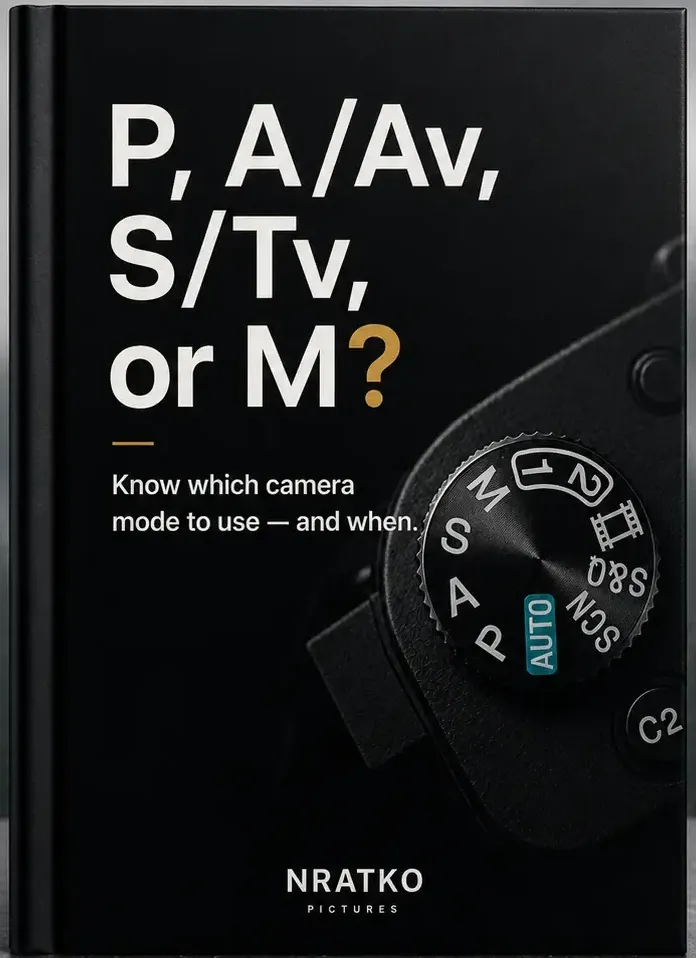
Understand when each camera mode makes sense – and make more confident decisions when you shoot.
PDF download · One-time purchase · For beginners
A first look
One situation. One deliberate decision.
Not a rigid rule, but a first orientation: which setting matters most in which situation?
P – Program mode
The camera chooses aperture and shutter speed. You focus on your subject and the moment.
Example situation: A spontaneous scene that changes in seconds – a child who suddenly runs off.
A / Av – Aperture priority
You choose the aperture and the camera adjusts the shutter speed. That is how you control how much of the picture is sharp.
Example situation: A friend in a street café: the background should calm down and the eye stay on the face.
S / Tv – Shutter priority
You choose the shutter speed and the camera picks a suitable aperture. That is how you decide how motion is shown.
Example situation: A cyclist: frozen sharp or deliberately visible as motion.
M – Manual mode
You set aperture and shutter speed yourself. Useful when light and situation stay the same or when you want to set the exposure deliberately.
Example situation: A subject in constant light that you want to expose the same way, shot after shot.
M is not a goal in itself. What matters is which mode gives you the most useful control in the situation.
Look inside
Take a look before you decide.
This is how the guide explains: one original page on Aperture Priority. Click or tap it to read it large.
A / Av Mode – When Sharpness and Blur Matter
- how aperture decides how much of the picture is sharp
- an everyday example and an image comparison
- a “Remember this” box with the key takeaway
Like the way it explains things?Buy the guide – US$12
What’s inside the guide
- When each camera mode makes sense: P, A/Av, S/Tv and M.
- Concrete shooting situations and why a mode fits there.
- Clear explanations with image comparisons and “Remember this” boxes, as on the sample page.
- Clear orientation so you reach the right decision faster.
Format: PDF · Language: English · download after purchase
Who is the guide for?
- You want to move out of Auto mode but feel unsure which mode to choose and when.
- You do not need any prior knowledge.
- Your camera has a mode dial or modes such as P, A/Av, S/Tv or M.
If you already use P, A, S and M confidently and intuitively, you probably do not need this beginner guide.
Guide or Camera Basics?
Camera Basics · Compact (US$19) explains the fundamentals in ten chapters – from aperture, shutter speed and ISO to focus; camera modes are one chapter there. This guide (US$12) answers one question: which mode fits my situation? If you want to understand the fundamentals first, Camera Basics is the better fit. If it is mainly about choosing the mode, you are in the right place.
Go to Camera Basics →
Who is behind the guide
My name is Norbert. I have been taking photos for over a decade and founded NRATKO Pictures because photography is often explained in a more complicated way than it needs to be.
It is not about owning more gear, but about making more confident decisions when you shoot.
Frequently asked questions
Is this guide suitable for beginners?
Yes. This guide is made for you if you want to move out of Auto Mode but still feel unsure which camera mode to choose and when. You do not need advanced photography knowledge.
Will it work with my camera?
Yes, if your camera has modes such as P, A/Av, S/Tv, or M. The names can vary slightly depending on the camera brand, but the basic principle behind them stays the same.
How do I get the guide – and what happens after I buy it?
The guide is a PDF, not a physical booklet. After your purchase you receive an email with your download link. You can download it right away, open it, save it and use it the next time you take photos.
How is it different from Camera Basics?
Camera Basics · Compact explains the fundamentals of your camera in ten chapters, including a section on camera modes. This guide focuses on one question: which camera mode fits which situation – and why.
I already take photos. Is this still useful?
If you already use P, A/Av, S/Tv, and M confidently, you may not need it. But if you still sometimes wonder which mode makes sense in a specific situation, this guide can give you exactly that clarity.
Do I have a 60-day money-back guarantee?
Yes. You can try the guide risk-free. If it is not right for you, you can request a refund within 60 days of your purchase.
At your next shot, you’ll know where to start.
Understand which mode fits which situation – compact as a PDF guide.
PDF download · One-time purchase · For beginners