
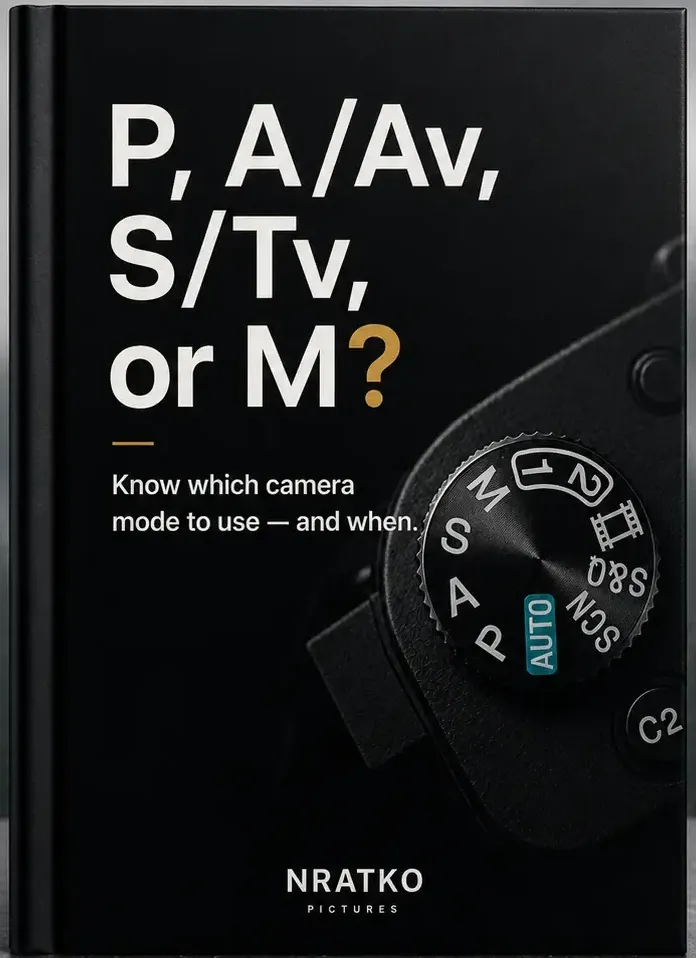
Partner kit
P, A/Av, S/Tv or M? · PASM Guide
Understand when each camera mode makes sense.
- Sales price
- US$14
- Commission
- 75 %
- ClickBank item number
- 2
- HopLink landing page
- Additional landing page, HopLink parameter “pasm”
ClickBank offer: use ClickBank HopLinks only
Only HopLinks created in your own ClickBank account are credited for this offer.
Your HopLink leads visitors to this page. Do not link to it directly instead of your HopLink, or you will not be credited.
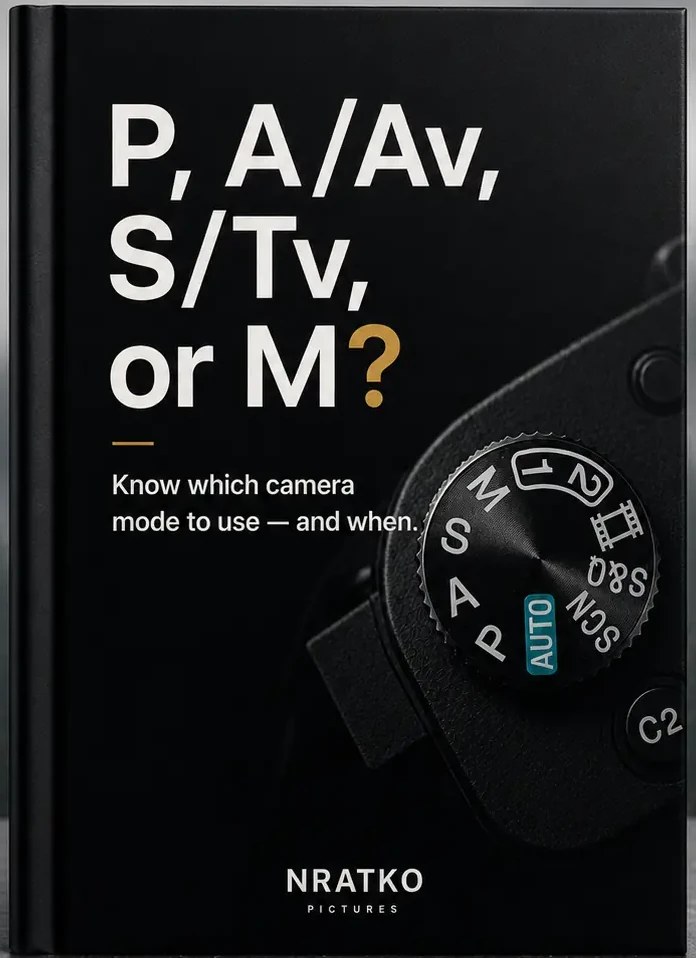
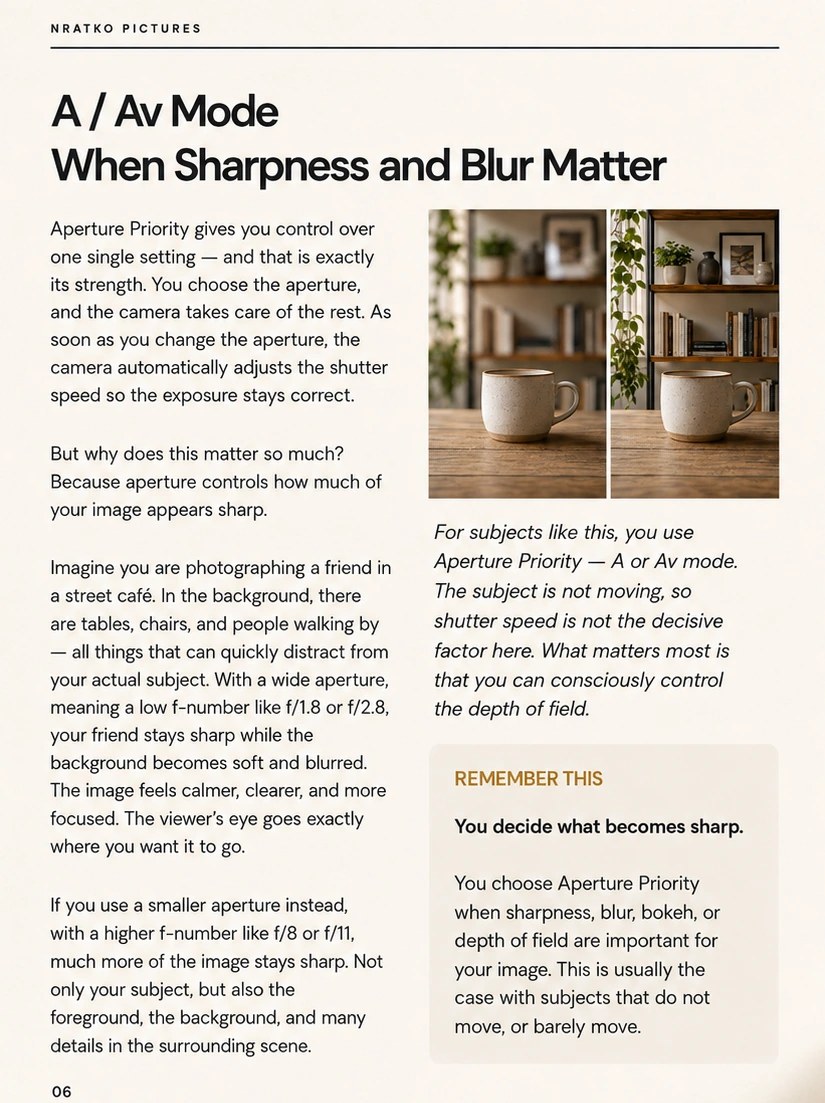
A PDF guide for beginners (Guide No. 02). It shows when Program mode (P), Aperture Priority (A/Av), Shutter Priority (S/Tv) and Manual mode (M) make sense, using concrete shooting situations, image comparisons and “Remember this” boxes.
Who the product is for
- Beginners who want to move out of Auto mode but feel unsure about choosing a mode
- People with a camera that has a mode dial (P, A/Av, S/Tv, M), no prior knowledge needed
Good reasons to recommend it
- One question answered clearly: which mode fits my situation?
- Concrete shooting situations and why a mode fits there
- Image comparisons and “Remember this” boxes, with a real sample page to look at
- Compact PDF, one-time price, no subscription
How to get your personal HopLink
- Create a free ClickBank account and an affiliate account nickname (this is your affiliate ID).
- Open the ClickBank Marketplace, find the offer (it appears here once ClickBank has approved it) and click “Promote” / “Get Affiliate Link”.
- Enter your affiliate nickname, choose the landing page from the menu (even if you use the default one) and, if you like, add tracking parameters.
- Copy your HopLink. ClickBank creates encrypted HopLinks by default; links in the readable format can be encrypted with the “Encode” tool in the Affiliate Link Tools.
- Test the link: follow it, click the buy button and check the “affiliate=” value at the bottom of the order form with the “Decode” tool.
Documented HopLink formats
- Readable format
https://hop.clickbank.net/?affiliate=YOUR_NICKNAME&vendor=nratko - Encrypted format (created by ClickBank’s tools)
https://<encrypted-id>.hop.clickbank.net - With a tracking ID (TID)
https://<encrypted-id>.hop.clickbank.net/?tid=blog_2026
Replace YOUR_NICKNAME with your own ClickBank affiliate nickname. Use letters, numbers and underscores in a TID, no dashes. Tracking parameters work with HopLinks only, not with payment links. Credit is given if the customer buys within 60 days of clicking your HopLink.
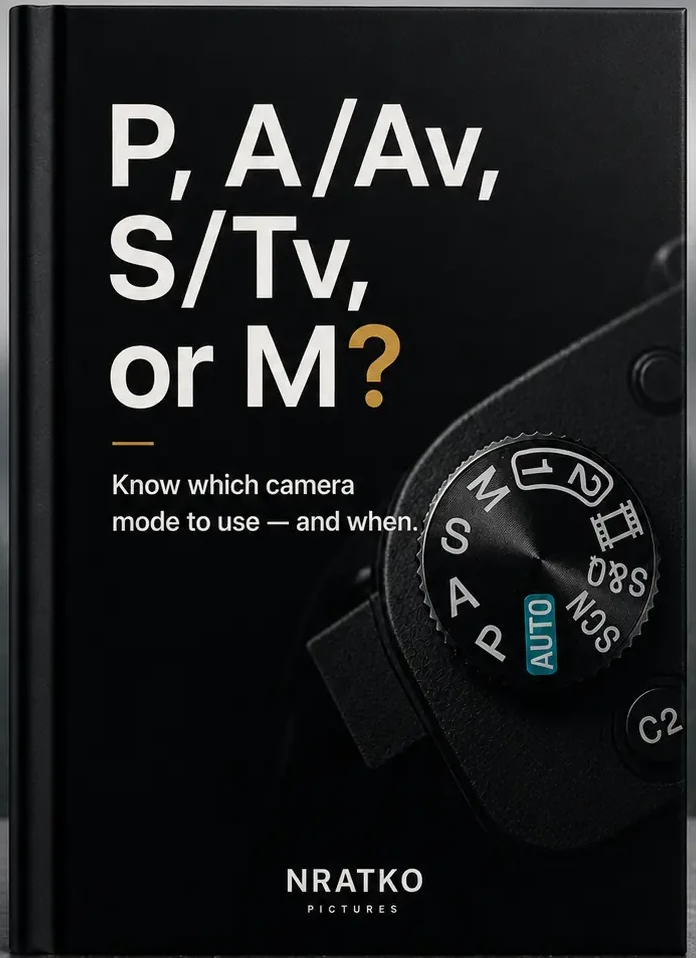
Original cover (front view)
The complete flat cover without perspective, shadow or background, unaltered and in the highest available resolution.
Promo graphics
Real cover and real inside page on a calm background, without added text or promises. Four formats to download.
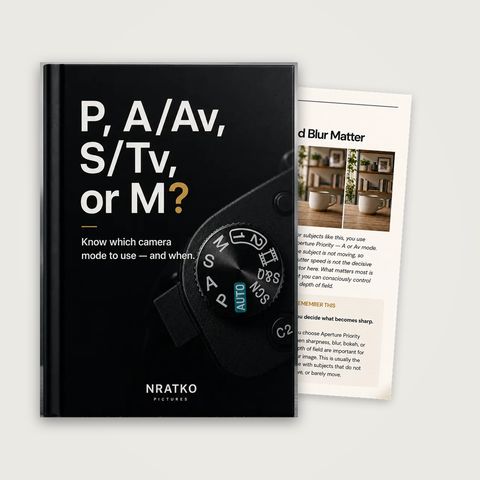
Instagram post (1080 × 1080)
Download (JPG) : Instagram post (1080 × 1080)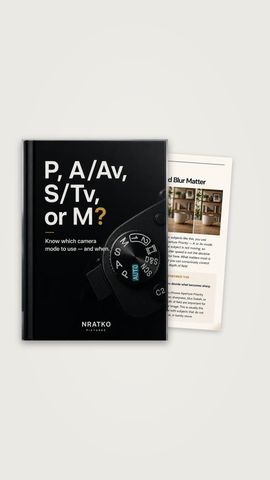
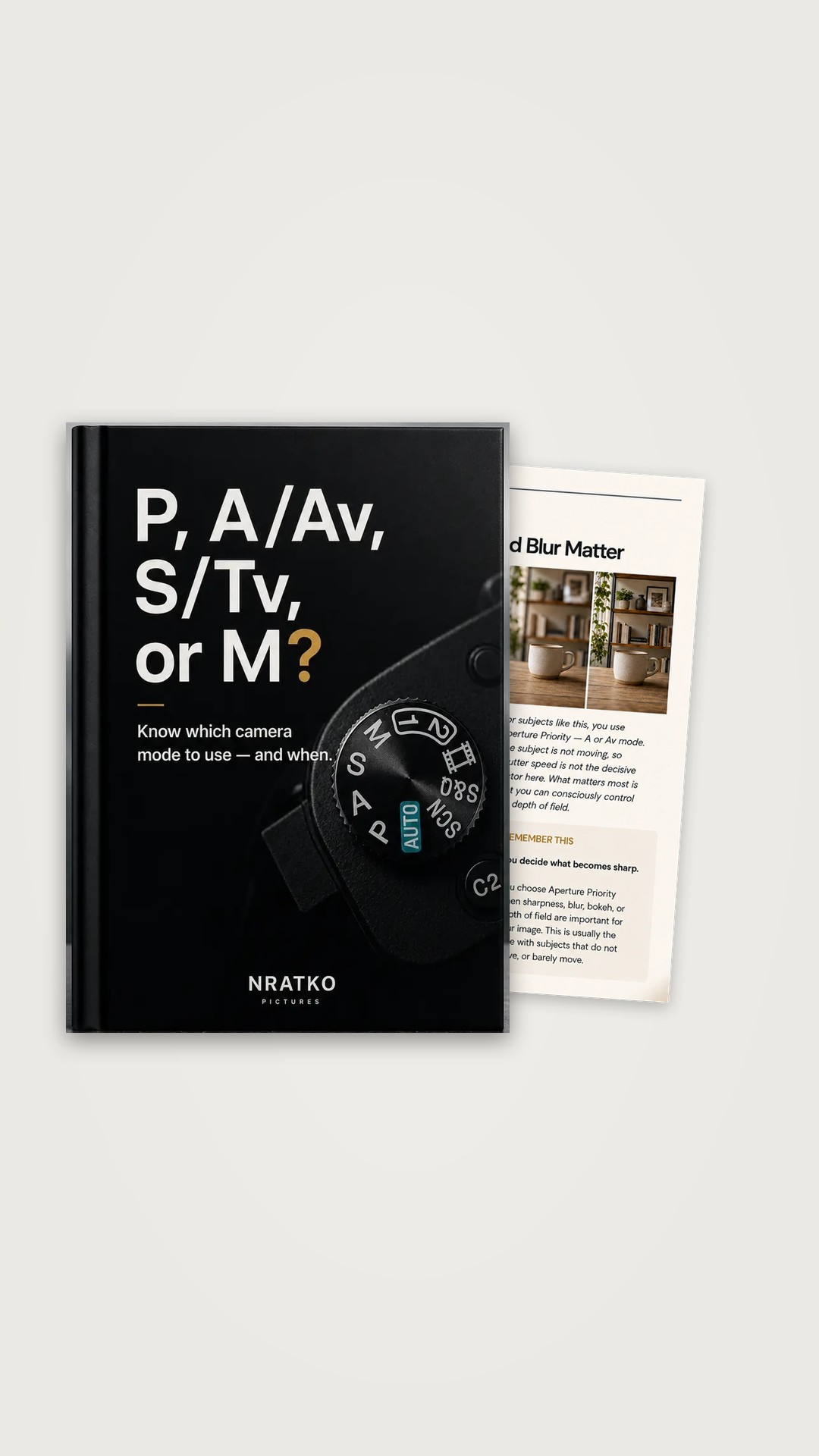
Story / reel (1080 × 1920)
Download (JPG) : Story / reel (1080 × 1920)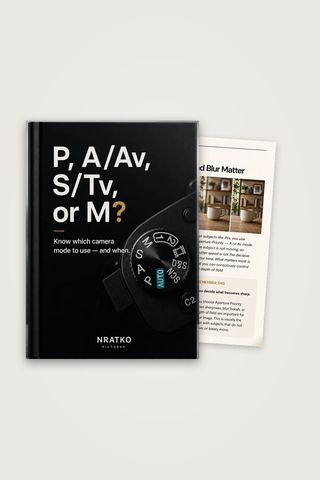
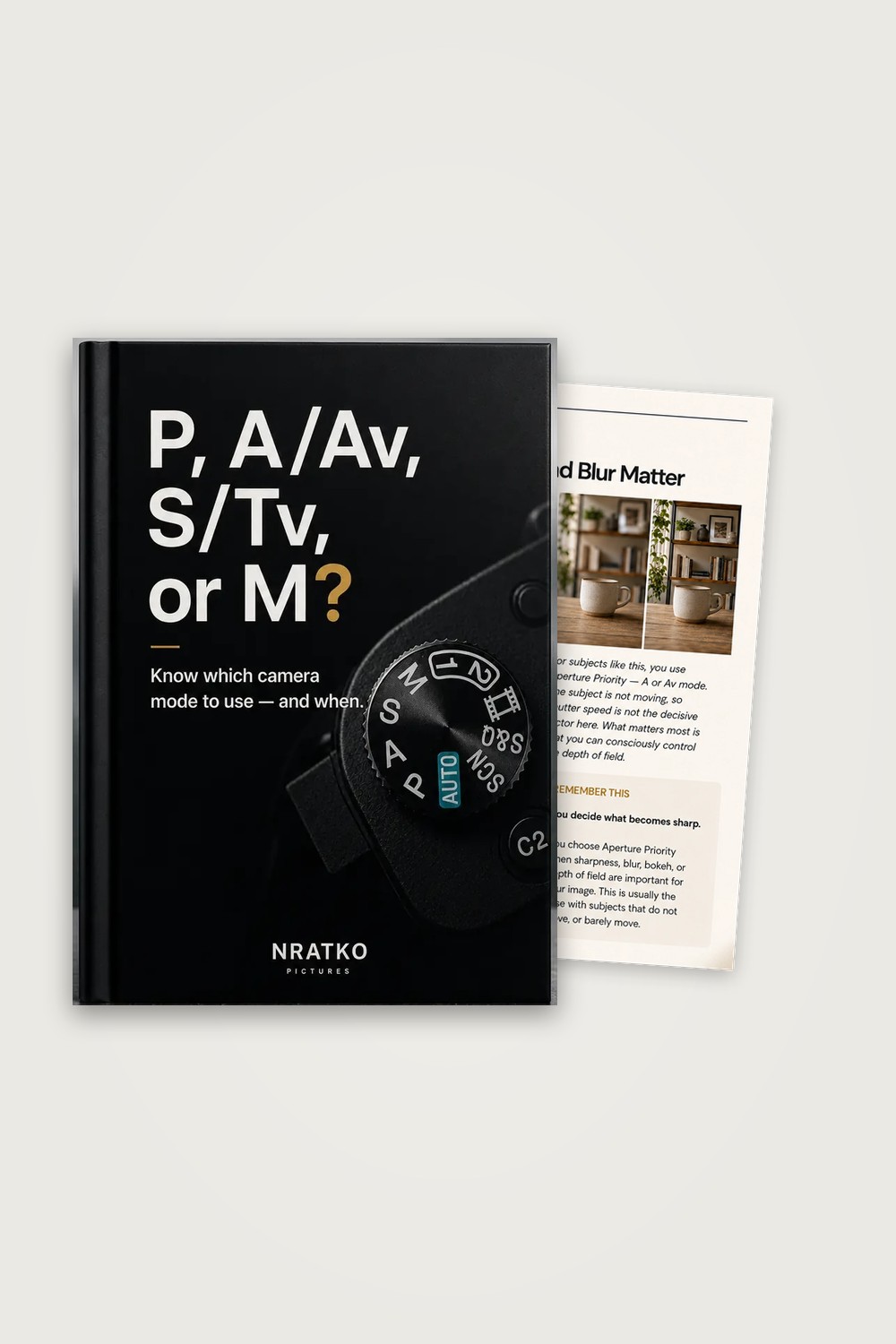
Pinterest (1000 × 1500)
Download (JPG) : Pinterest (1000 × 1500)
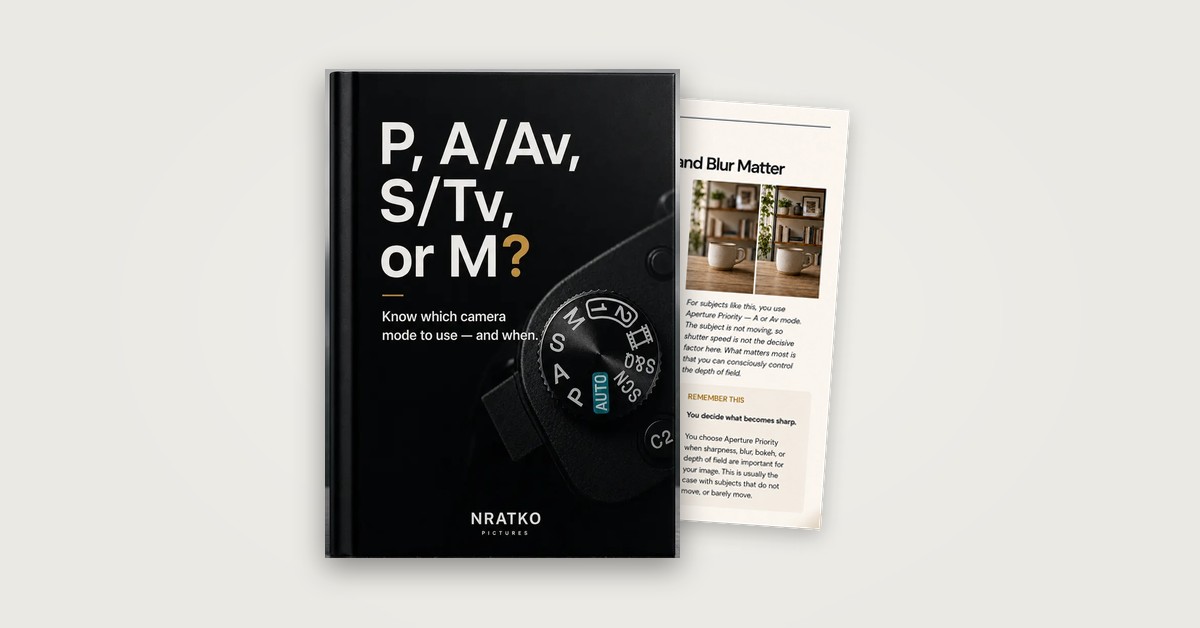
Website / blog (1200 × 628)
Download (JPG) : Website / blog (1200 × 628)
Copy-and-paste promo texts
Replace the placeholder with your own ClickBank HopLink. Feel free to adapt the texts and mark affiliate links as advertising.
Instagram (post)
You want to leave Auto mode but don’t know which mode to choose and when?

The guide shows when each camera mode (P, A, S or M) fits which situation. You can look at real pages first.

US$14 · PDF · instant download
👉 Link: [YOUR CLICKBANK HOPLINK]

#photography #cameramodes #learnphotography
Instagram story / reel (short text)
P, A/Av, S/Tv or M? · PASM Guide
The guide shows when each camera mode (P, A, S or M) fits which situation.
US$14 · PDF
Link sticker: [YOUR CLICKBANK HOPLINK]
Pinterest (title and description)
Title: P, A/Av, S/Tv or M? · PASM Guide

Description: A PDF guide for beginners (Guide No. 02). It shows when Program mode (P), Aperture Priority (A/Av), Shutter Priority (S/Tv) and Manual mode (M) make sense, using concrete shooting situations, image comparisons and “Remember this” boxes. US$14, PDF download.

Link: [YOUR CLICKBANK HOPLINK]
YouTube (video description)
📘 P, A/Av, S/Tv or M? · PASM Guide
The guide shows when each camera mode (P, A, S or M) fits which situation. With real pages to look at: [YOUR CLICKBANK HOPLINK]

Disclosure: this is a partner link. If you buy through it, I earn a commission at no extra cost to you.
Blog or newsletter
You want to leave Auto mode but don’t know which mode to choose and when? “P, A/Av, S/Tv or M? · PASM Guide” is one option: The guide shows when each camera mode (P, A, S or M) fits which situation. On the sales page you can look at real pages before you decide.

Get it (US$14): [YOUR CLICKBANK HOPLINK]

(Advertisement / partner link: I earn a commission if you buy through this link.)
Video and reel ideas
Three ideas based on real content of the product. Adapt them to your style.
Which mode for which subject?
Opening: P, A, S or M: which mode fits your subject?
Outline: Four cards one after another: P (spontaneous scene, a child runs off), A/Av (friend in a street café, calm background), S/Tv (cyclist, frozen or shown as motion), M (constant light). One line each on the decision.
Call to action: The full guide as PDF, link in bio.
M is not a goal
Opening: Manual mode doesn’t make you a better photographer.
Outline: Explain that it is not the mode itself that matters but the one that gives you the most useful control in the situation. Mention one example from the guide.
Call to action: More in the guide, link in bio.
A / Av mode explained
Opening: When is Aperture Priority the right choice?
Outline: Show the original page “A / Av Mode”: you choose the aperture, the camera adjusts the shutter speed. Overlay the sharp/soft background comparison.
Call to action: The page is from the guide. Link in bio.
Product pages and cover
The same images as on the sales page. Please do not alter them and use them only to promote this product.
Cover
Download (JPG) : Cover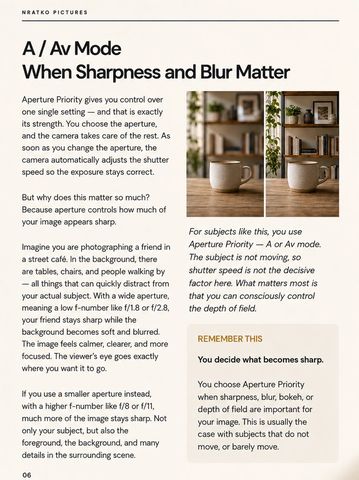
Inside page: A / Av Mode
Download (JPG) : Inside page: A / Av Mode
Contact for partners
Questions about the partnership, texts or images? Write to us and include your ClickBank affiliate nickname.
Questions about applying and payouts
How do I become an affiliate for this offer?
Create a free ClickBank account, set up an affiliate nickname and create your HopLink for P, A/Av, S/Tv or M? · PASM Guide in the ClickBank Marketplace once the offer is listed. No application on this website is needed.
How high is the commission?
The commission for this offer is 75% of the sale price (US$14). ClickBank pays commissions according to its own terms and payment schedule; you can see your earnings in your ClickBank account.
Why can I not find the offer in the Marketplace yet?
Both offers are waiting for ClickBank’s product approval. After approval the Marketplace listing is published. Please check back later.
How long does a click count?
ClickBank credits the affiliate if the customer buys within 60 days of clicking the HopLink.
May I use the images and texts?
Yes, to promote this product. Please do not alter the cover or pages and do not make promises beyond the sales page (for example results or earnings claims). Mark affiliate links as advertising.