
Phone Photography
Your Phone Now Changes the Aperture. What Does That Do for You?
You want to take a photo. Suddenly your smartphone offers you one more setting for it: the aperture. What does it change – and do you even need to care?
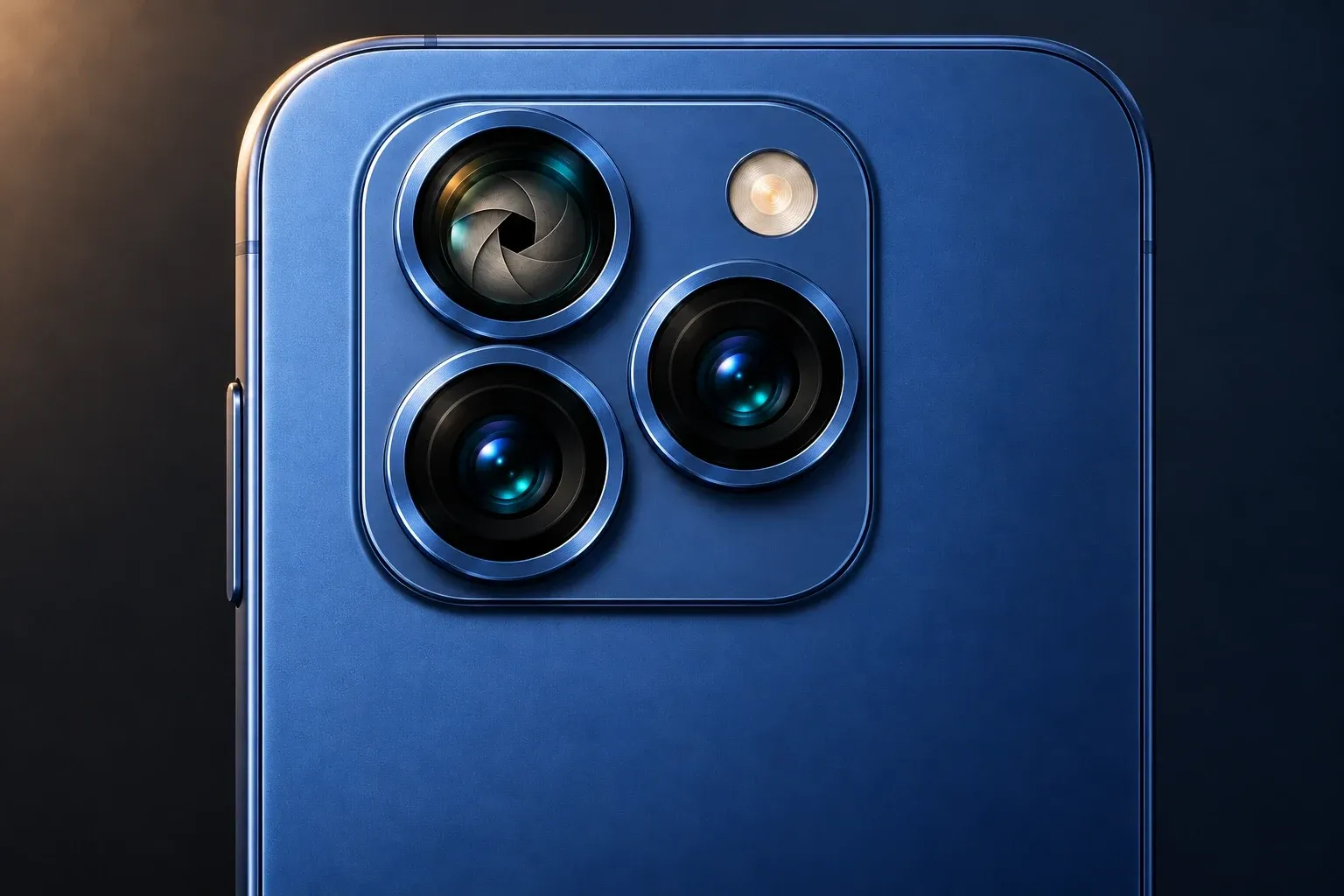
On the screen you see numbers like ƒ/1.8 or ƒ/4. Behind them, on some smartphones, is a small mechanism: blades in the lens change an opening through which light reaches the sensor.
At first that sounds like technology for pro photographers. The idea behind it is simple, though.
Imagine an adjustable opening: wide open, it lets more light through. When it gets smaller, less light reaches the sensor at the same exposure time. At the same time, how much of your subject looks sharp can change.
So why make the opening smaller at all? That’s exactly where it gets interesting.
What actually happens inside the lens
The aperture sits in the lens. With a physically adjustable aperture, small overlapping blades move. Together they form a larger or smaller opening.
The illustration shows both states side by side. In a smartphone the construction is tiny and not always easy to spot through the outer camera glass.
Not every phone has this mechanism. Many smartphone cameras work with a fixed aperture opening.
Adjustable apertures have been around for a while, though: Samsung offered two settings on the Galaxy S9. The Xiaomi 14 Ultra has a steplessly adjustable aperture; Huawei, too, offers cameras like that. So the technology is not a fundamental reinvention for smartphones.
Small number, big opening: why the display is confusing
The aperture numbers seem backwards at first:
- A smaller aperture number means a larger opening.
- A larger aperture number means a smaller opening.
With the same lens, the opening at ƒ/1.8 is therefore wider than at ƒ/4.
The reason: the number describes a ratio between focal length and opening diameter. To get started, you don’t need to master that calculation.
Just remember: small number – wide open. Large number – more closed.
This also helps you understand manufacturer specs. A single value like ƒ/1.8 doesn’t mean the aperture can be adjusted. For that, the camera has to actually offer different openings.
At a restaurant in the evening: what a wide opening is good for
You want to photograph someone in dim light. A wide-open aperture helps here: at the same exposure time, more light reaches the sensor.
The camera can use this headroom in different ways. For example, under suitable conditions it can expose for a shorter time or work with less signal amplification.
That can help capture movement better or reduce image noise. Which way the smartphone goes depends on its automatic mode and the situation.
An open aperture therefore doesn’t guarantee a sharp evening photo. If your subject moves too much during the shot, it can still blur.
Conversely, the photo doesn’t have to look brighter with an open aperture: the automatic mode can adjust other settings and produce a similar image brightness.
Food or flowers: why a smaller opening can help
You photograph a plate from above at an angle. The ingredients in front are sharp, further back they blur.
This is where depth of field comes in. It describes the range in front of and behind the focused distance that appears sufficiently sharp in the picture.
All else being equal, a smaller aperture opening can enlarge this range. As a result, more parts of a blossom or of an object photographed at an angle can look sharp.
That doesn’t apply without limits, though. Shooting distance, focal length and sensor size also influence the effect.
On a smartphone in particular, you shouldn’t expect miracles. A different aperture number doesn’t automatically turn a blurry close-up into a completely sharp picture.
Sometimes a small step back is enough. A different shooting angle can also put important parts of the subject closer to the same plane of focus.
Will I get a blurred background like with a big camera?
A wide-open aperture can reduce depth of field. Under suitable conditions, this lets a subject stand out more from the background.
How clearly you see that, however, depends on the whole shooting situation.
In a close-up the difference can be more noticeable than in a distant landscape. The distance between subject and background also plays a role.
That’s why the same aperture numbers on different cameras don’t automatically mean the same background blur. ƒ/1.8 on a smartphone is no promise of the look of a large camera with a fast portrait lens.
Isn’t that the same as the aperture in portrait mode?
The displays can look similar. The way they work is different.
A physical aperture changes the opening in the lens during the shot. That way, it influences the light entering and the optical rendering.
The blur control in portrait mode changes a calculated effect. The smartphone estimates or captures spatial information and renders areas of the picture as artificially blurred.
If you change the displayed aperture number of a portrait after taking it, no blades move in the picture you already took. You are changing the processing.
Both techniques can be present on a smartphone. They just shouldn’t be confused with each other.
Why “more closed” doesn’t always mean “better”
It would be convenient: for the sharpest possible pictures, always choose the largest aperture number.
But a smaller opening lets less light through. The camera may have to make up for that with a longer exposure time or other adjustments. With moving subjects or little light, that can be a disadvantage.
Also, with very small openings, the diffraction of light can make fine details look softer. More depth of field therefore doesn’t automatically mean more detail across the whole picture.
The right setting is a compromise: What should be sharp? How much light is there? Is anything moving?
Try the effect yourself
If your phone has a physically adjustable aperture and you can set it manually, pick a quiet subject by a window.
A row of small objects running from front to back works well.
- Use the same camera and the same framing.
- Focus on the same object.
- Shoot once with the smallest and once with the largest aperture number available.
- Keep the shooting distance and lighting as unchanged as possible.
- Check which objects in front of and behind the focus point look sharp.
For this experiment, you should switch off portrait mode and artificial background blur, as far as your device allows.
The automatic mode may choose different exposure times. In that case, you are mainly comparing depth of field, not the amount of light at identical settings.
Is the difference small? That, too, is a useful observation. Not every scene visibly benefits from a different aperture.
Do I have to set the aperture myself from now on?
No. The automatic mode remains a good starting point for spontaneous photos.
The adjustable aperture gives the camera an additional way to respond to light and subject. You can try it deliberately when, for example, you want more depth of field in a close-up.
You don’t have to go through aperture numbers for every photo. At first, it’s enough to understand their effect.
Once you know what changes behind the number, you can decide when you want to step in yourself.