
Photography Basics
Shutter Speed in Photography Explained
Whether razor sharp or intentionally blurred – shutter speed decides how motion looks in your photo. Here’s how to use it deliberately.
01What Is Shutter Speed?
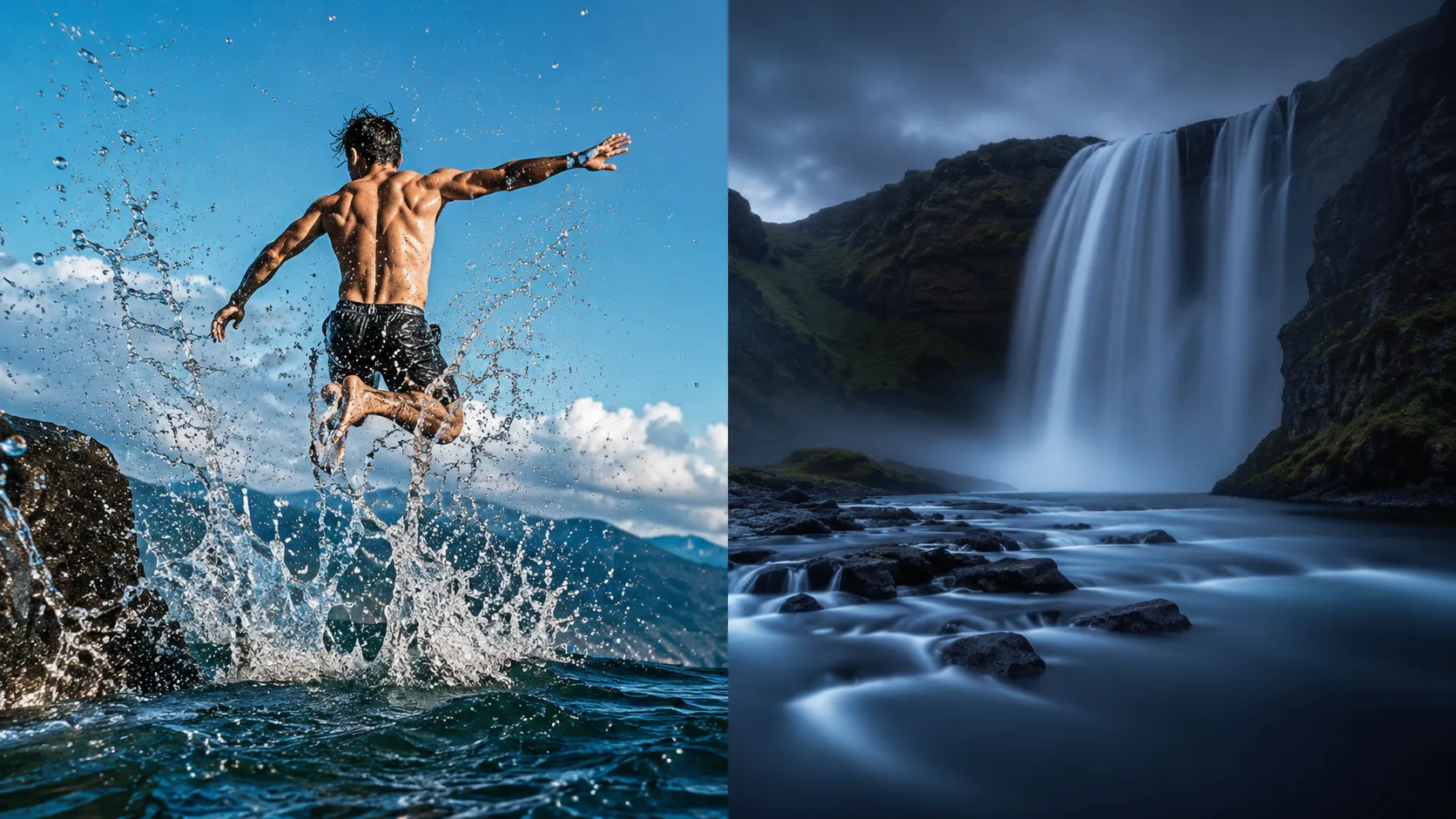
Shutter speed describes how long the camera’s shutter stays open, letting light hit the sensor. Depending on your camera, you can set shutter speed in fractions of a second (like 1/1000) or in full seconds (like 1″, 30 seconds). The shutter speed you choose determines how motion is rendered in your photo – sharply frozen or blurred.
02Fast Shutter Speed or Slow Shutter Speed?
A fast shutter speed, like 1/1000, works great when you want to freeze fast motion. This is especially useful in sports photography. Short exposure times let you “freeze” a moment – ideal for moving subjects like animals, athletes, or vehicles.
A slow shutter speed, like 5 or even 30 seconds, comes into play when you want to blur motion or reveal it visually – for light trails, waterfalls, or star trails, for example. This lets more light reach the sensor – perfect in darkness or for creative effects.
03How Does Shutter Speed Relate to Aperture and ISO?
The three settings – aperture, ISO, and shutter speed – work together to achieve correct exposure. If you choose a slower shutter speed, for example, you need less light from the aperture, or you can lower the ISO to keep image noise minimal.
If you choose a faster shutter speed, you’ll need to open the aperture wider or raise the ISO so enough light reaches the camera.
If you want to better understand how these three parameters relate to each other, check out my article on the exposure triangle.
04Setting Shutter Speed Manually — Depending on Your Camera
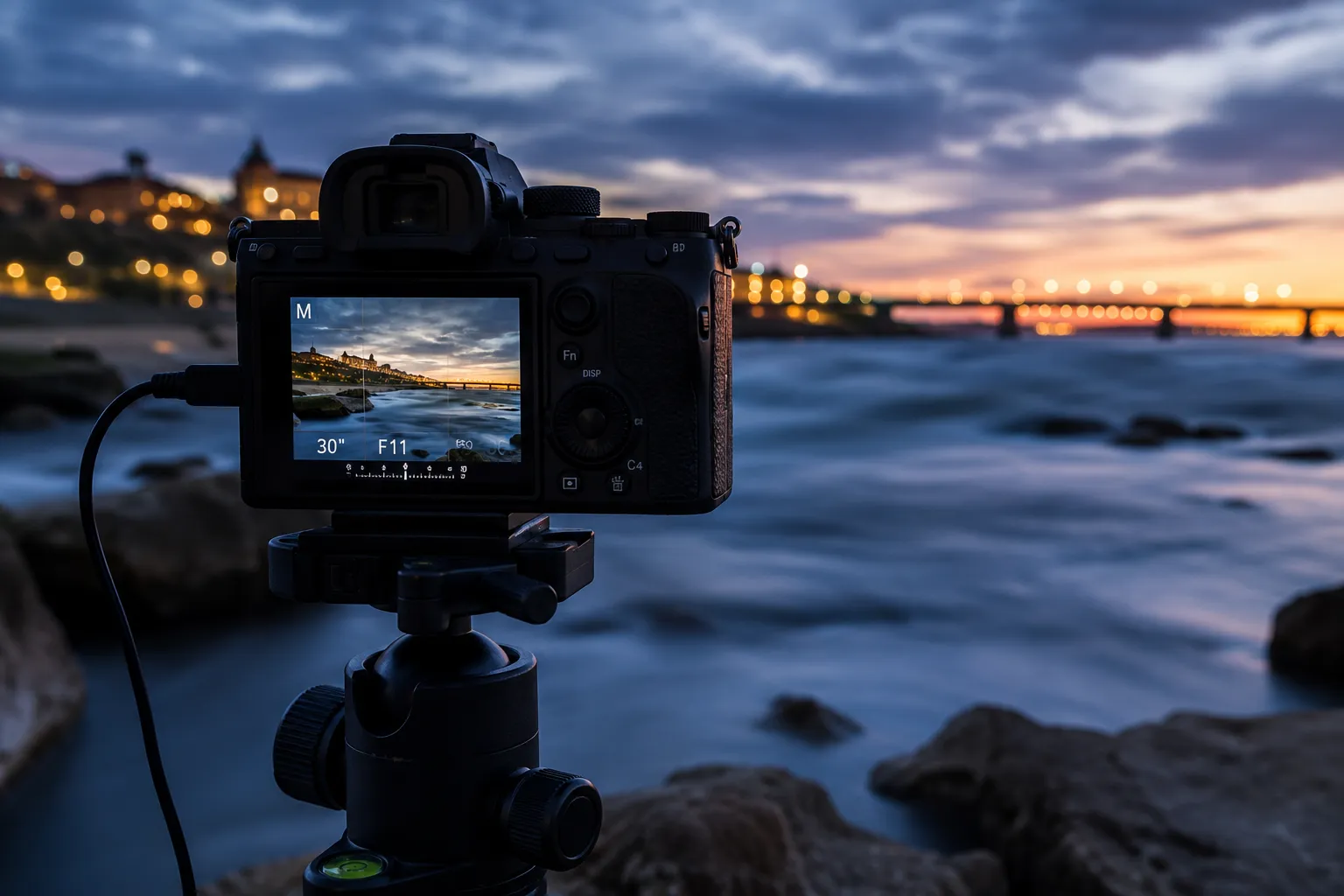
If you want to control shutter speed yourself, you’ll need to set your camera to manual – either M mode (manual) or S mode (shutter priority). Depending on your camera model, you can set the desired shutter speed using a dial or through the menu.
Make sure to use a tripod for slow shutter speeds – without one, your image will quickly turn blurry, since any movement causes camera shake during a long exposure.
05Conclusion — Understanding How to Use Shutter Speed
Shutter speed is one of the most important factors in exposure, alongside aperture and ISO. It determines how much light hits the sensor and how motion is rendered. Depending on your camera and subject, it’s worth experimenting with different settings. Whether you want to freeze fast moments or work creatively with slow exposures, the right shutter speed makes all the difference.
Tip: try out different scenarios – like water rendered sharp with a fast shutter speed, or soft and flowing with a slow one. That’ll give you a feel for how to use shutter speed deliberately.
Common Questions About Shutter Speed
What’s a good shutter speed for sports photos?
A fast shutter speed like 1/1000 of a second or faster works well for sports photos, since it freezes fast motion sharply.
Do I need a tripod for slow shutter speeds?
Yes, you should definitely use a tripod for slow shutter speeds. Without one, even the smallest movement will cause camera shake and a blurry image.
How does shutter speed relate to aperture?
Shutter speed and aperture work together to control exposure. A faster shutter speed lets in less light, which you can compensate for with a wider aperture or a higher ISO.
What’s the difference between M mode and S mode?
In S mode (shutter priority), you choose the shutter speed and the camera sets aperture and ISO automatically. In M mode (manual), you set all three values yourself.