
Technique & Workflow
RAW vs JPEG: Which Format Should You Use?
I shot in the wrong format for years without even realizing it. Two small abbreviations, one massive difference in the result. Here’s how to figure out which format fits your style.
01RAW vs JPEG: The Decision That Changes Your Image
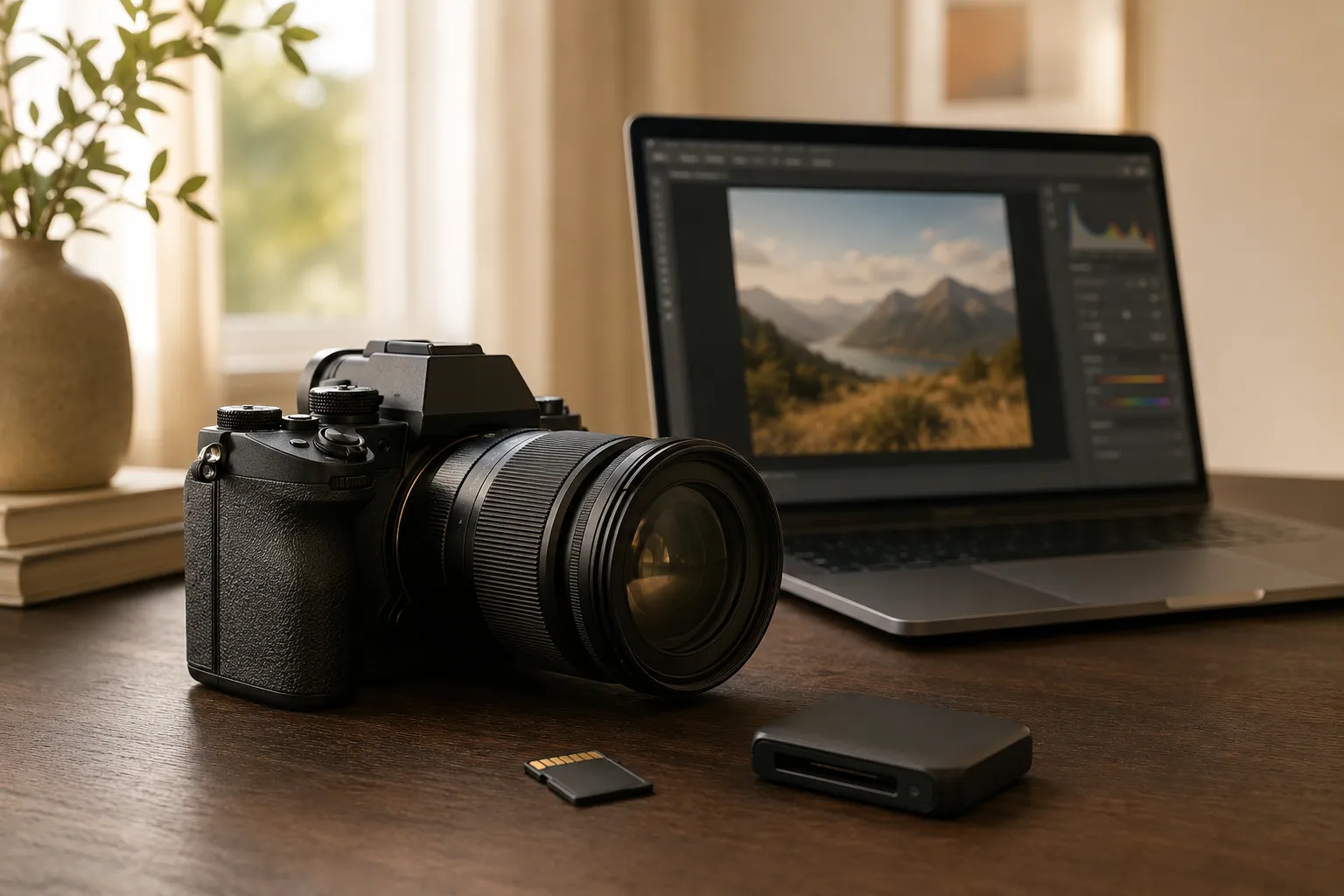
Early on in my photography journey, I kept running into one simple but important question: should I shoot in RAW or JPEG? I knew both formats mattered somehow, but I couldn’t really explain what the difference actually was. Now I know: this one decision can massively affect the look and the potential of your photos.
In short: RAW gives you freedom, JPEG gives you convenience. But let’s break it down step by step.
02What Exactly Is the RAW Format?
When you shoot in RAW, your camera stores the image data as it comes off the sensor – unprocessed and full of detail. Depending on the camera, RAW files are uncompressed, losslessly compressed or (lossy) compressed. You could say a RAW file is the digital negative of your photo. It contains all the color information, brightness values, and exposure data so you can get the absolute most out of it later in programs like Adobe Lightroom or Photoshop.
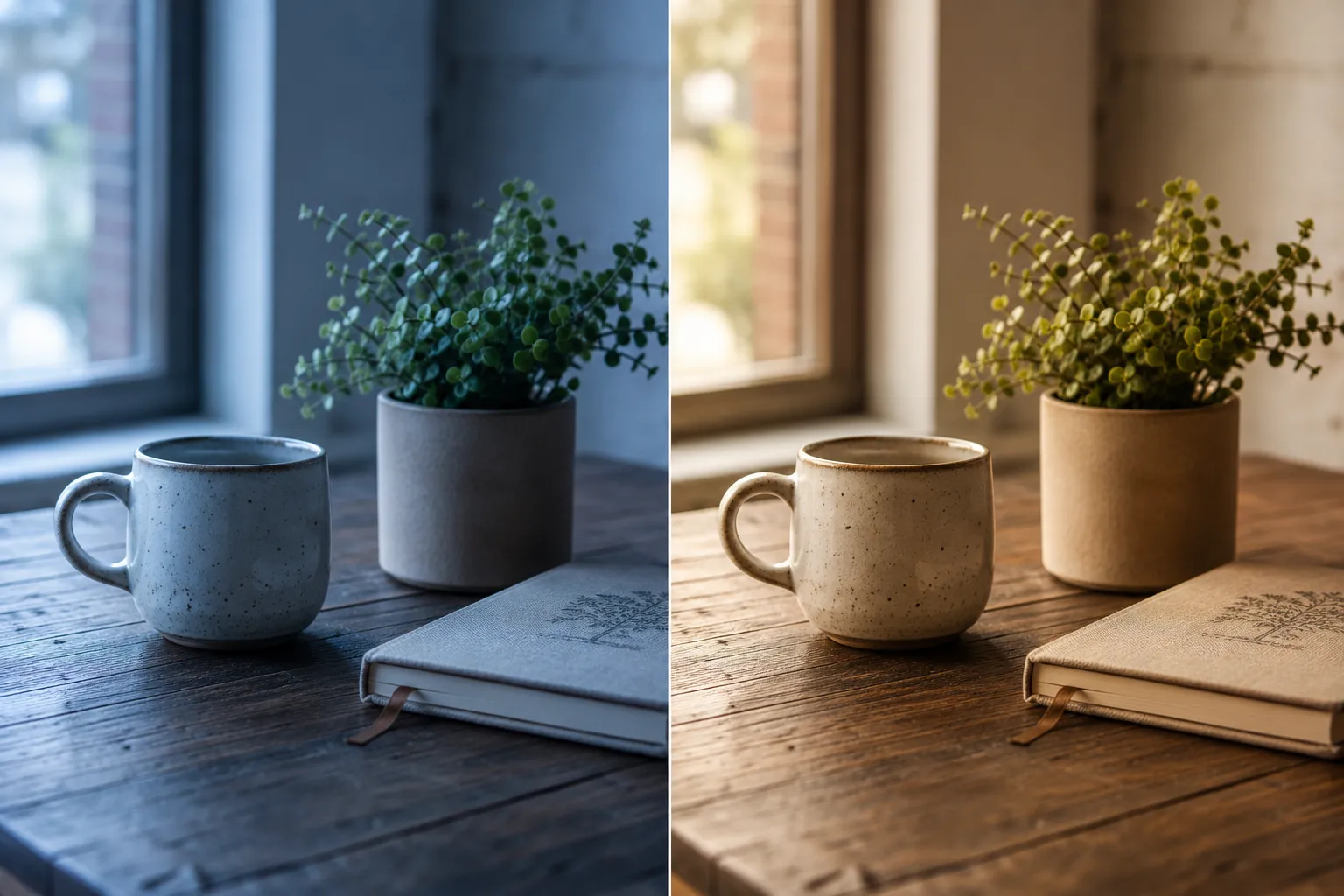
The big advantage: mistakes are easy to fix. An overexposed sky? A white balance that’s too cool? A RAW image forgives a lot – you can recover, adjust, and refine almost anything without losing image quality. RAW files are larger than JPEGs and take up more space on your memory card, but it’s worth it: they give you full control over light, color, and detail – perfect if you shoot professionally or plan to edit your images afterward.
This advantage really shows with white balance in particular, since you can freely adjust colors and light mood after the fact. I go into exactly what white balance is and why it matters so much for the final look of an image in my article on white balance.
03What Happens When You Shoot in JPEG?
When you shoot in JPEG, your camera does most of the work for you. It interprets the image, processes it, applies contrast, sharpening, and color adjustments – then saves the finished photo, compressed, to your memory card.
The result: a smaller file size, less storage needed, and photos that are ready to use straight away – “ready to post,” as they say. But the downside is clear: the camera decides what your image should look like. That means a lot of image data gets thrown away when it’s saved – and if a photo turns out too dark, too bright, or off in color, there’s only so much you can rescue in post. JPEG is perfect when you need fast results, you’re on the go, or you just want to shoot without sitting at a computer for hours afterward.
04RAW vs JPEG — The Key Differences
The difference between RAW and JPEG isn’t about the camera itself, it’s about what happens to the image data. RAW means: all the information is preserved, and you do the editing yourself. JPEG means: the camera edits automatically and throws the rest away.
A RAW image typically has 12 or 14 bits per color channel, while a JPEG only has 8. That sounds technical, but it means RAW can store millions more color gradations – which matters a lot when you’re working with subtle light transitions or color corrections.
In exchange, RAW files are bigger and need more storage. A 256GB card fits fewer RAWs than JPEGs, but you get a lot more room to work with in post-processing. JPEGs, on the other hand, are compact, save quickly, and are usable straight out of the camera – especially handy for burst shooting or when you’re low on storage.
05When You Should Shoot in RAW
It’s simple: shoot in RAW when you want to get the absolute best out of your images. Full stop. Whenever light and exposure aren’t perfect – sunsets, night shots, or mixed lighting – RAW really shows its strength. It’s also the right call if you shoot professionally, need precise color matching, or plan to use images for print or a portfolio.
RAW photos retain their full dynamic range, and even if you get the exposure wrong, you can correct it easily in Lightroom, Adobe Camera Raw, or RawTherapee.
06When JPEG Is More Than Enough
It doesn’t always have to be RAW. If you’re traveling, shooting fast-moving subjects, or just want to capture memories, JPEGs are often completely sufficient. The files are smaller, the workflow is faster, and you need less storage.
Cameras from brands like Canon, Nikon, or Sony now produce genuinely impressive results straight out of their built-in JPEG engines – crisp, colorful, and ready to use. For social media, everyday photography, or reportage work, JPEG is ideal because you can use the images straight from the camera without editing them.
07Shooting Both Formats at Once
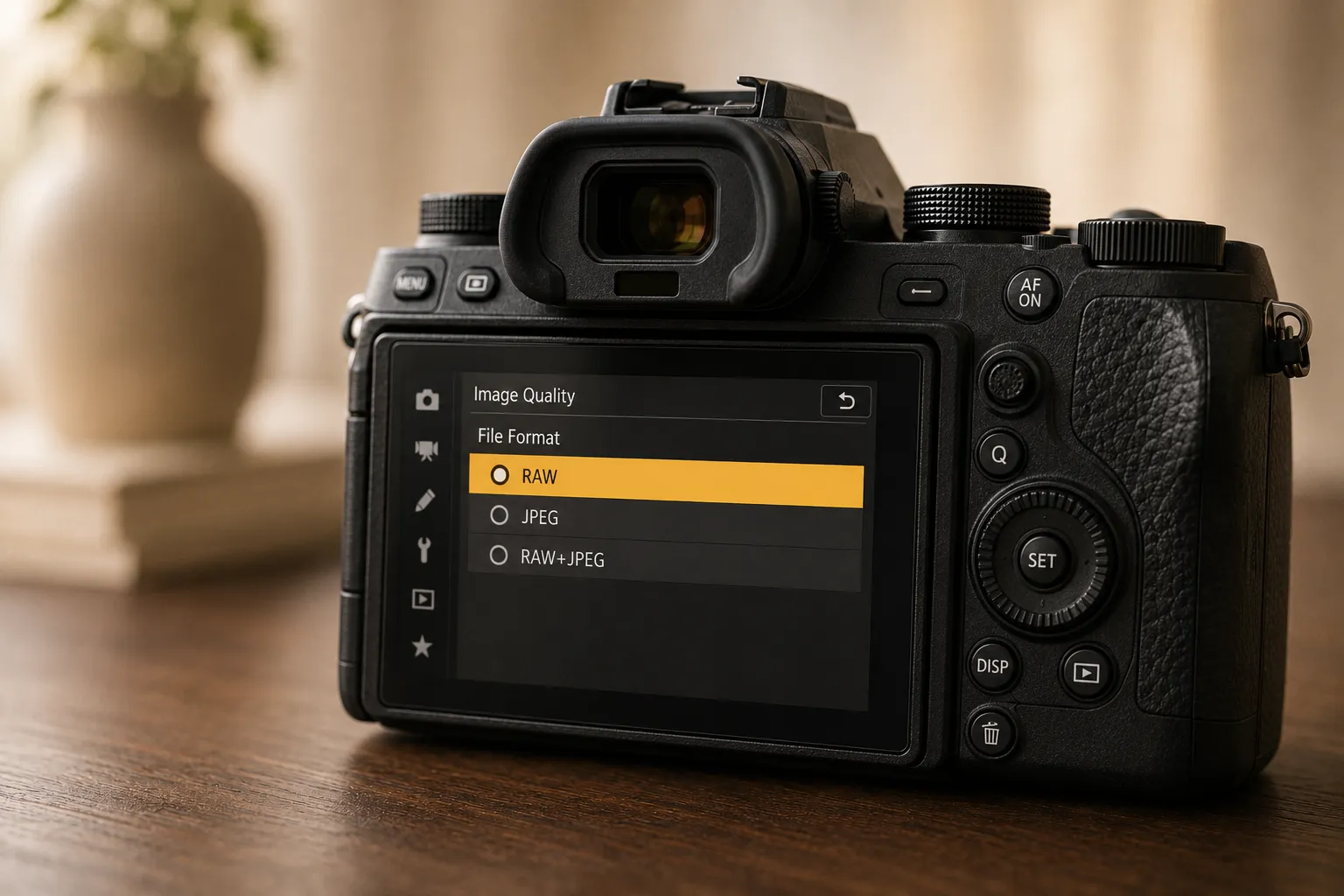
Many cameras let you save RAW and JPEG at the same time. That’s often the best solution if you don’t want to commit to one or the other. You get a JPEG for quick use, and a RAW file for later editing if you want to get more out of the shot down the line.
This combination is especially practical for important shoots or travel. You get the safety net of RAW plus instantly usable JPEG files – without any duplicate work.
08My Recommendation From Experience
I shoot exclusively in RAW, simply because I love the freedom to edit every detail afterward. That’s my personal preference – I like having full control over light, color, and the overall feel of an image. RAW gives me everything I need. But that doesn’t mean you have to do the same: if you’d rather get finished results straight away, JPEG is just as valid a choice – especially if you want to work fast or don’t want to edit every single photo.
In the end, it’s not about labeling one format as “better,” it’s about understanding which format fits you. That’s exactly what separates random shots from real favorites.
09Your Turn Now
Grab your camera and try it yourself: shoot the same subject once in RAW and once in JPEG. Open both files later in Lightroom or Photoshop and compare how much room you have to work with in post – especially around exposure, color, and white balance.
You’ll be surprised how differently the two formats respond – and you’ll probably understand right away why so many photographers swear by RAW.
Common Questions About RAW and JPEG
What’s the difference between RAW and JPEG?
RAW stores the image data unprocessed, as it comes off the sensor – depending on the camera uncompressed or with lossless or light compression. JPEG, on the other hand, is processed and compressed by the camera automatically, which discards a lot of image information. RAW gives you more control in post-processing, while JPEG is ready to use straight away.
Should I always shoot in RAW?
Not necessarily. RAW is worth it when lighting and exposure are tricky, or when you want to professionally edit your images. For snapshots, travel, or social media, JPEG is often more than enough.
Why are RAW files bigger than JPEGs?
RAW files contain the sensor data unprocessed (uncompressed or compressed, depending on the camera), usually at 12 or 14 bits per color channel instead of just 8 bits like JPEG. That means significantly more color gradations and editing flexibility, but also a bigger file size.
Can I save RAW and JPEG at the same time?
Yes, most cameras offer a RAW+JPEG mode. That gives you a ready-to-use JPEG plus a RAW file for later editing, in case you want to get more out of the image down the line.